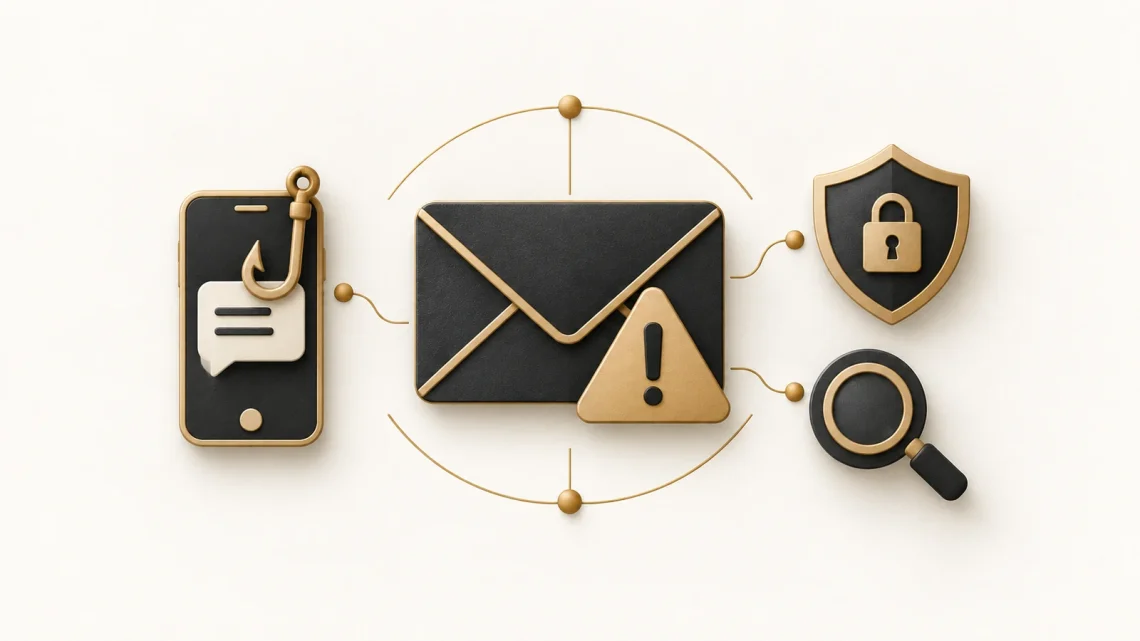
Phishing and smishing: how to spot scams and respond safely
A delivery text arrives while you are waiting for a parcel. An email says your account will be suspended unless you act today. A message at work asks you to sign in to view a shared document. Each request sounds plausible, especially when you are busy.
Phishing is a scam that impersonates a trusted person or organisation to persuade you to reveal information, send money or take an unsafe action. Smishing is phishing delivered by SMS text message. The channel changes, but the deception is similar.
This guide explains the warning signs, how to check a message safely and what to do if you have already responded. You do not need to be a security expert to build a few useful habits.
Phishing and smishing: the difference
Phishing: the wider scam
Phishing can arrive through email, texts, social media or phone calls. Email phishing often imitates a bank, delivery company, colleague or familiar online service. It may lead to a fake sign-in page, ask you to open an attachment or request a payment directly.
The safer response is to open the service’s usual app or use a saved bookmark and check your account there. The NCSC’s phishing guidance explains the different ways these scams reach people.
Smishing: phishing by text
Smishing combines SMS, the standard text-message service, with phishing. Messages often claim there is a missed delivery, a bank alert or a payment problem. The aim may be to collect card details, steal a login or persuade you to install harmful software.
Check the delivery through the retailer’s order page or the courier’s official app. Being due a parcel does not prove that a particular text is genuine.
Warning signs worth noticing
Treat these as prompts to check, rather than a test that every scam must fail. A convincing message can have correct spelling, familiar branding and a believable story.
- Pressure to act: a deadline, threatened account closure or supposedly urgent payment.
- An emotional hook: fear of losing access, excitement about a prize or curiosity about a document.
- An unexpected request: a password, verification code, card details or a change to payment instructions.
- A different route: a request to leave the usual app, scan a QR code or install unfamiliar software.
The NCSC’s guide to spotting scams highlights urgency, authority and emotional pressure. If a request makes you unsure, verify it through contact details you already trust.
Three things that do not prove a message is safe
A familiar sender name
A displayed name or number is a clue, not proof of identity. Attackers can imitate sender details, and a genuine account can be compromised. An unusual address is a warning, but a familiar one does not settle the question.
HTTPS or a padlock
HTTPS encrypts the connection between your browser and a website. It does not prove that the website belongs to the organisation it claims to represent. Scam sites can use HTTPS too. Google’s explanation of browser security icons makes this distinction clear.
Take browser warnings seriously, but do not use the absence of a warning as your only reason to trust a page.
Polished wording
Correct grammar and a professional layout do not make a request genuine. Check what you are being asked to do and whether it fits the situation. You do not have to identify how a message was written to decide that it needs checking.
A safer routine: pause, check, report
1. Pause before responding
If an unexpected message asks for money, sensitive details or a sign-in, stop before clicking, scanning or replying. Do not share a one-time verification code or approve a sign-in notification you did not initiate.
2. Check through a trusted route
Open the organisation’s usual app, use a saved bookmark or type its known web address yourself. If you need to call, use a number from your bank card, a statement or the official website. Avoid the contact details supplied in the suspicious message.
At work, confirm unusual requests through an established channel. For example, check a supplier’s changed bank details using an existing contact number before approving a payment.
3. Report it, then remove it
For personal messages in the UK, GOV.UK’s reporting guidance says to:
- Forward suspicious emails to report@phishing.gov.uk.
- Forward suspicious texts to 7726, which is free.
- Use the NCSC’s scam website reporting guidance for suspicious websites.
For work messages, follow your organisation’s reporting process. After reporting, delete the message. Readers outside the UK should use their local reporting service.
Protect your accounts and devices
Verification helps with individual messages. Account and device protection can also reduce the impact when a scam gets through.
- Use passkeys where available. A passkey lets you sign in using a digital key protected by your device’s unlock method, such as a fingerprint or PIN. Passkeys resist phishing because they work with the genuine service. The NCSC recommends choosing passkeys where offered.
- Protect passwords you still use. Use a unique password for each account, ideally generated and stored by a password manager. Turn on two-step verification, which adds a check beyond your password. It helps reduce risk, but attackers may still trick you into sharing a code or approving a request.
- Keep devices updated. Install updates for your operating system, browser and apps. Keep built-in security protections enabled and avoid installing software suggested by an unexpected message.
Start with your main email account, since it often receives password-reset messages for other services. Read the NCSC’s password manager guidance for help choosing and using account protections.
Already clicked or shared details?
Respond promptly and focus on what happened. Opening a link does not automatically mean an attacker has access, but it is a reason to stop and check.
- Opened a link: close the page and do not enter details, download files or grant permissions. On a personal computer, run a full scan with your security software if available.
- Shared a password: change it through the genuine app or website, using a trusted device. Change it anywhere else you reused it. Follow the service’s account-recovery guidance if you cannot sign in.
- Shared a code or approved a sign-in: treat the account as potentially compromised and use the provider’s recovery process.
- Shared bank details or sent money: contact your bank immediately using its official app or a trusted number.
- Used a work device or account: tell your IT or security team promptly, including whether you clicked, entered details or installed anything.
Use the NCSC’s recovery guidance for further steps. If you have lost money, it also explains where to report the crime in the UK.
For teams: make it easy to ask for help
Training is useful, but nobody can reliably spot every phishing attempt. Teams also need technical protections, clear payment checks and a simple way to report suspicious messages.
Make the reporting route easy to find. Thank people who raise concerns, including when they have already clicked. A quick report gives the organisation a chance to respond before more damage occurs. The NCSC’s guidance for organisations recommends layered defences and avoiding a blame culture.
Try it with a fictional message
Imagine you receive this text: “Your parcel is on hold. Pay a small fee today to prevent its return.”
- What is the message asking you to do?
- What makes you feel you need to act quickly?
- How could you check the claim without using its link?
A safer next step is to check your existing order or courier app. For more practice, play Coded Female’s Spot the Scam quiz and work through fictional scenarios with explanations.
Today, check the sign-in protection on your main email account and save your organisation’s reporting route if you have one. These are useful actions you can take before the next suspicious message arrives.


You May Also Like

How to review AI-generated code when you are still learning
How to Fix the “Not Secure” Error After Installing an SSL Certificate on Namecheap (cPanel Hosting)