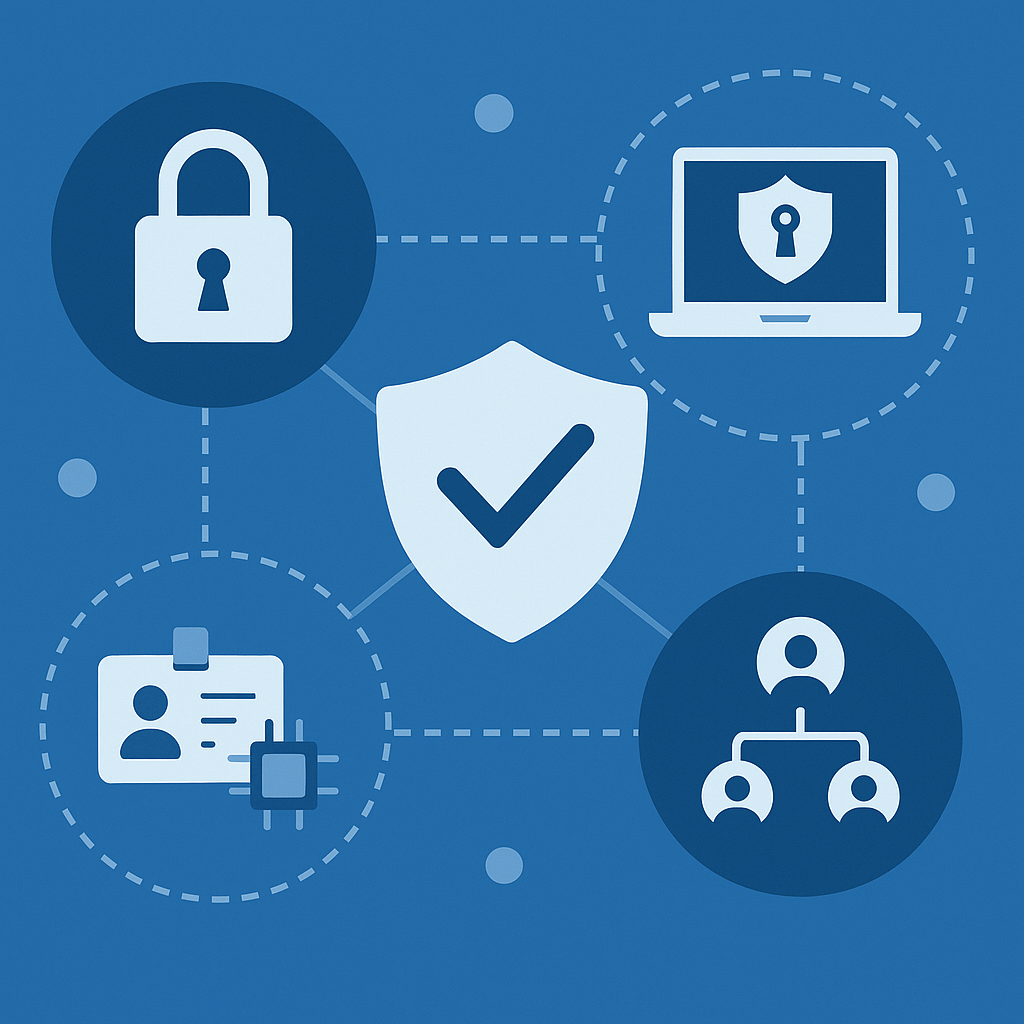
Zero Trust Explained Simply — What It Is and Why Every Business Needs It in 2025
Zero Trust has become one of the most-searched cybersecurity terms of 2025 — and for good reason. Cyberattacks are rising, remote work is the norm, and traditional “castle and moat” security models no longer work. Businesses of every size need stronger, smarter protection.
Enter Zero Trust — a security model built on one simple principle:
Never trust, always verify.
Here’s a simple breakdown of what Zero Trust really means, how it works, and why your business can’t afford to ignore it this year.
What Is Zero Trust?
Zero Trust is a modern cybersecurity framework that assumes no user, device, or application is automatically trusted — even if they’re already inside your network.
Instead of giving everyone blanket access, Zero Trust verifies every request continuously, whether it comes from:
-
employees
-
contractors
-
devices
-
applications
-
cloud services
It’s like putting multiple locks, ID checks, and cameras inside a building — not just on the front door.

Why Every Business Needs Zero Trust in 2025
Threats are more sophisticated, employees work from anywhere, and attackers often use valid credentials to break in. Zero Trust helps stop:
-
ransomware
-
data breaches
-
credential theft
-
insider threats
-
phishing-based intrusions
2025 is the year businesses finally shift from reactive security to proactive, identity-driven protection.
The Core Principles of Zero Trust
🔒 Never Trust, Always Verify
Traditional security assumes that if someone logs in once, they’re safe.
Zero Trust flips that.
Every login, every request, every action is verified — continuously.
Example:
An employee logs into their email from home.
Then, opens the CRM.
Then tries to download 10,000 customer records.
Zero Trust checks each step.
If something looks suspicious, access is blocked immediately.
This stops attackers who use stolen passwords from moving freely inside your systems.
🧩 Micro-Segmentation
Instead of one big, open network, Zero Trust breaks everything into small, isolated zones.
If attackers breach one area, they can’t move anywhere else.
Example:
HR systems → separate
Finance systems → separate
Development servers → separate
Customer data → separate
If someone hacks the HR computer, they can’t jump into finance or production systems.
This dramatically limits the damage of a breach.
💻 Device Validation
Zero Trust doesn’t just check who is trying to access your systems — it checks what they’re using.
Every device must meet security requirements before getting access.
Example:
-
Is the device password-protected?
-
Does it have antivirus?
-
Is it running the latest update?
-
Is it registered with the company?
If the answer is no, access is denied or restricted.
This stops attackers using personal, infected, or unknown devices to get in.
🔑 Least Privilege Access
Users should only have the minimum access they need — no more.
This reduces the blast radius if:
-
a password is stolen
-
someone makes a mistake
-
a device is compromised
Example:
A marketing intern shouldn’t have access to financial data.
A developer shouldn’t have admin rights in HR tools.
By limiting permissions, Zero Trust prevents accidental or malicious misuse.
Benefits of Zero Trust

Implementing Zero Trust in 2025: Where to Start
You don’t need to overhaul your entire infrastructure overnight. Start small:
-
Multi-Factor Authentication (MFA) everywhere
-
Strong identity management
-
Device compliance policies
-
Role-based access controls
-
Network segmentation
-
Continuous monitoring
Even the first two steps instantly improve your security posture.
Final Thoughts
Zero Trust isn’t a buzzword. It’s the new foundation of modern cybersecurity — and in 2025, it’s becoming a business essential. As threats evolve and work becomes more distributed, the companies that succeed will be the ones who adopt identity-first, verification-driven, least-privilege security.
If you want to protect your data, reputation, and customers, Zero Trust is no longer optional — it’s your next strategic advantage.

You May Also Like

The Power of Cloud-Based Services: Simplifying and Enhancing Server Setups

AI-Powered Cybersecurity: The Future of Digital Defence