How to use AI for backlog preparation without outsourcing priorities
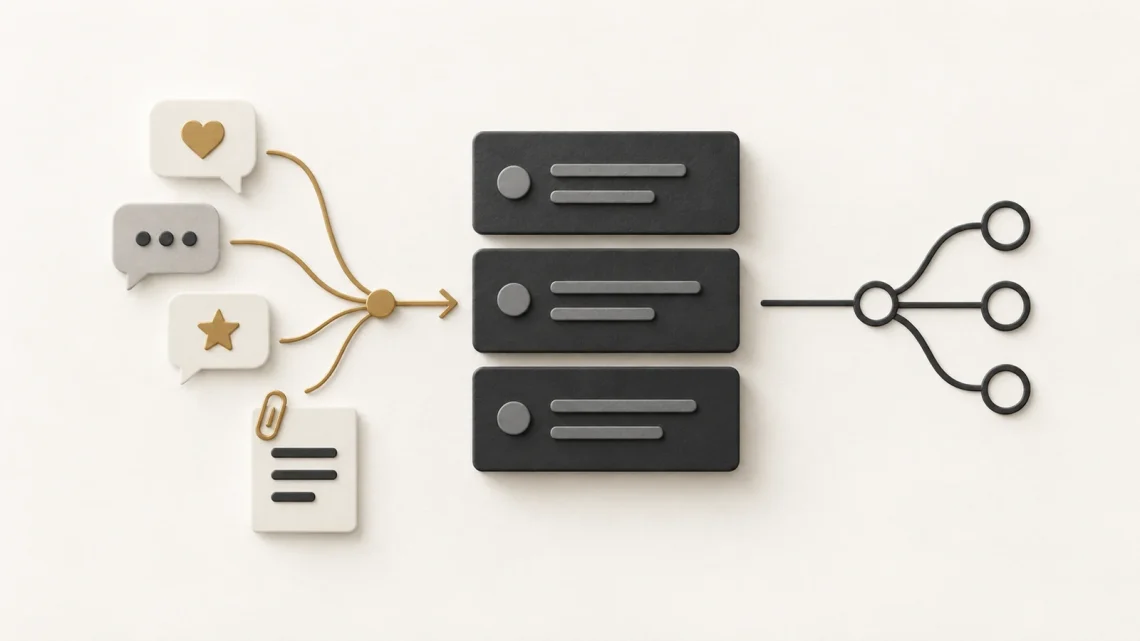
Your feedback is spread across meeting notes, support requests and conversations. Before you can discuss priorities, someone has to organise it into something the team can understand.
AI can help with that preparation. It can group similar concerns, suggest questions and turn rough notes into draft descriptions. The risk is that a neat summary starts to look like an agreed decision.
Keep the workflow clear: source evidence, draft interpretation, human review, then a product decision. The approach below supports backlog preparation. It does not make an AI-generated ranking the team’s priority order.
Begin with the product goal
A Product Backlog is the ordered list of work needed to improve a product. In Scrum, the Product Owner is accountable for its effective management. The Product Goal describes a future state of the product that gives the team a longer-term objective.
Before processing feedback, write down the current goal and the questions you need to answer. If your goal concerns easier appointment changes, a collection of unrelated design requests should not automatically become the next batch of work.
Use only information your organisation permits you to enter into the chosen tool. For practice, use fictional notes such as the examples below.
A workflow for preparing the discussion
1. Give each source a reference
Create short identifiers and preserve the original wording. In this fictional booking example, F1 says “I could not find how to change the time”, F2 says “I contacted support to move my appointment” and F3 says “The confirmation email arrived late”.
The references let you check what supports a theme. Keep dates and relevant context where they help interpretation. Do not assume three notes represent three different users unless you know that they do.
2. Ask for themes and questions
Give the tool a bounded task. Ask it to group feedback and identify missing information. Require evidence references beside every interpretation.
A useful draft might group F1 and F2 under difficulty changing an appointment. That is a starting point for investigation, not proof that a self-service rescheduling feature is the right response.
3. Review what the draft added
Open the source notes alongside the summary. Check for missing concerns, merged problems and claims that were not present in the input.
If the draft says “Most users abandon bookings because changes are difficult”, the three fictional notes do not support that conclusion. They establish neither frequency nor abandonment.
Rewrite it as a question: “How often do people struggle to change an appointment, and what do they do next?” That keeps the uncertainty visible.
4. Turn the theme into a useful conversation
Discuss the problem with the people who understand users, delivery and constraints. Ask what evidence would change the decision and which options deserve examination.
Possible responses could include clearer instructions, better support routing or a product change. The team needs to assess those options against the goal, expected value, effort, risk and dependencies.
An AI-generated score cannot fill a gap in evidence. If you do use a scoring method, agree its inputs and assumptions with the people responsible for the decision.
5. Record the human decision
Keep a short note of the decision, the evidence considered, the uncertainty and who made it. Where work belongs in the backlog, write enough context to support the next discussion.
For this example, the next action might be to review appointment-change support requests before choosing a solution. Investigation is useful work when it answers a question needed for a decision.
Do not label a polished draft “ready” if important behaviour, dependencies or quality checks remain unclear. Agree what additional discussion the work needs.
Keep the record small and traceable
For each proposed problem, capture five fields: source references, interpretation, open question, agreed next action and decision owner. A short note is often enough. The aim is to preserve reasoning, not to create another document nobody reads.
If you update the source material, review the interpretation again. A useful summary can become misleading when new evidence contradicts it.
Try it with one theme
Take a small set of permitted or fictional feedback notes and ask for a source-linked grouping. Check every proposed claim before bringing it into a backlog conversation.
Keep the AI output visibly labelled as a draft. The useful result is a clearer discussion about what matters and what remains unknown.
Further reading: The Scrum Guide: Product Owner and Product Backlog.


You May Also Like

Before you build: test a product idea with a one-page experiment

How to create a product backlog: a practical guide for Agile teams