Who else is connected to your messaging account?
You use a messaging app to organise a tech evening. Your phone is with you, and the conversation looks normal. But when did you last check the other devices connected to the account?
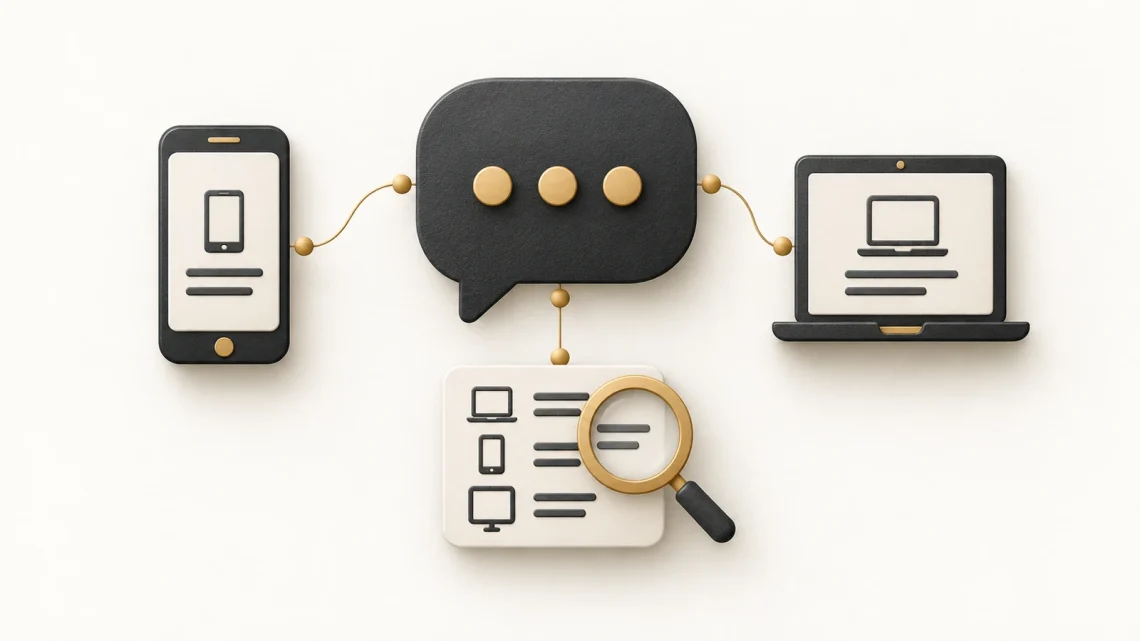
A linked device is an additional device authorised to use an account. The feature can be convenient for a laptop or tablet. It also makes the account’s access settings worth reviewing.
This guide helps you check that access and assess unexpected linking requests. The event example is fictional; the aim is to practise a decision, not imply that every messaging group is under attack.
The current warning has a specific context
The UK’s National Cyber Security Centre (NCSC) warned about Russia-based actors targeting high-risk individuals through messaging apps. Its guidance was updated in July 2026. It describes attempts to obtain recovery codes, add devices and impersonate trusted contacts.
The campaign focuses on people whose roles or access make them valuable targets. That does not establish that an ordinary reader is being targeted by the same actors. The account-review habits can still be useful more widely.
UK NCSC: messaging-app targeting, updated 14 July 2026
Start with the access your app actually shows
Signal’s support documentation explains how to view and link secondary devices, and provides separate unlinking instructions. Other services have their own account controls, so use the current help pages for the app you use.
Review the device list
Open the app directly, rather than following a “security alert” link in a message. Find its linked-device settings using the provider’s instructions. Review the entries and identify devices you still use.
A device label can be unclear. Record what you need to verify rather than assuming every unfamiliar name proves an attack. For a work-managed account, ask support before disrupting a shared setup.
Remove unwanted access
Follow the app’s official unlinking instructions for a device you no longer need or access you believe is unauthorised. Signal documents this as a separate action in its linked-device settings.
Unlinking limits continued access through that connection. It does not guarantee that information already seen or copied is recovered. If you suspect compromise, use the provider’s wider account-security guidance and involve workplace support where relevant.
Check future linking requests
Know which setup you intend to complete and which device will gain access. Treat an unexpected QR code or request for a verification code as something to check independently. The NCSC advises against sharing verification codes or scanning unexpected QR codes.
Signal Support: linked devices
Try this fictional tech-event scenario
“Scan this to help with registration”
An account using your organiser’s name sends a message shortly before an event. It claims that scanning a QR code will add you to the registration workspace. You did not arrange a device-linking step.
You contact the organiser using an established route and ask what the code is meant to authorise. The organiser confirms that no such request was sent. You report the suspicious message using the group’s agreed process.
The lesson is not that every QR code is malicious. It is that a request to authorise access deserves a clear purpose and independent confirmation. This example has no scannable code.
Encryption and account access answer different questions
End-to-end encryption protects message content between the intended endpoints. It does not make an unexpected contact trustworthy or make every device-linking decision safe. Signal’s protection guidance includes reviewing connected devices and checking suspicious requests.
Signal Support: protecting yourself
A practical boundary for group organisers
Agree which channel is appropriate for sensitive event information, who may add members and how organisers will confirm account-access requests. Keep your organisation’s communication rules in view.
If someone reports a suspicious request, ask what happened and which access was granted. Avoid asking them to demonstrate it again. A clear account of the sequence is more useful than a second interaction with the message.
Your five-minute account review
Choose one messaging account and complete the review today. The outcome is a list of intentional connections and a trusted way to check the next unexpected request.
- Find the provider’s current linked-device guidance.
- Match the listed devices to those you intend to use.
- Unlink access you no longer need through the official controls.
- Save the route for reporting or recovering account problems.
- Tell your group how genuine setup requests will be verified.
Sources and reading: Checked 14 October 2026. The scenarios and exercises in this article are fictional.


You May Also Like
Phishing and smishing: how to spot scams and respond safely

Your AI writes faster. Why is your team waiting longer?